
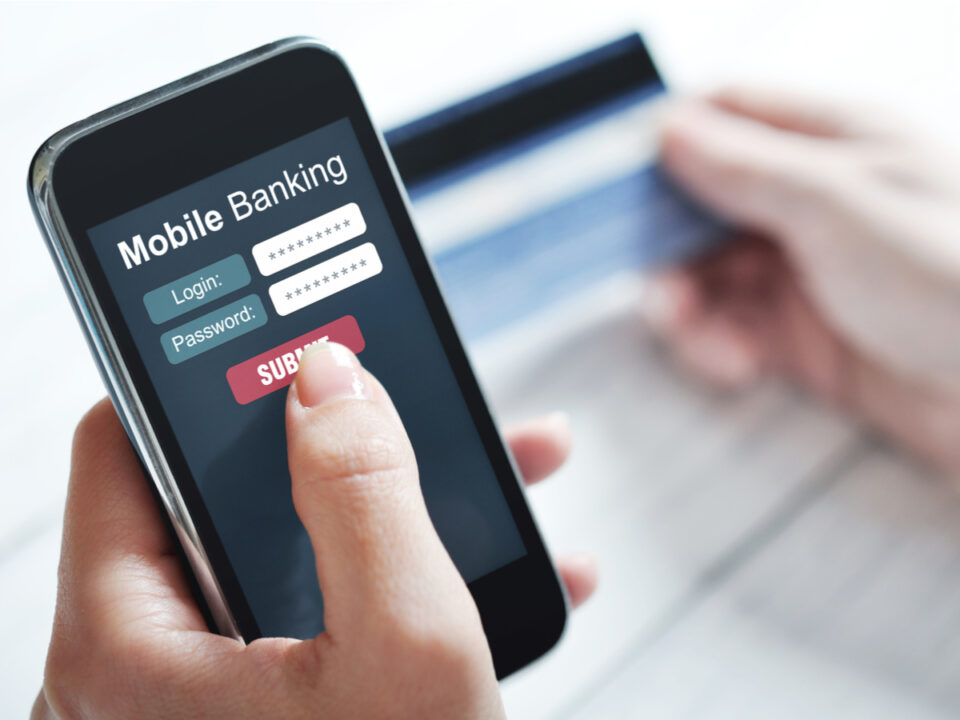
Mobile banking apps have made life easier. You can check your balance, pay bills, transfer money, and even apply for loans from your phone. But with this convenience comes the risk of fraud and hacking. If you’re not careful, someone could gain access to your banking details and steal your money. You can protect yourself by following some simple steps.
In this article, we’ll walk you through the best ways to secure your transactions using a mobile banking app.
Keeping Your Transactions Secure Using a Mobile App
You can keep your transactions secure using a mobile app in various ways:
1. Use a Strong and Unique Password
Your banking app password should be firm and different from your other passwords. Avoid using easy-to-guess passwords like “123456” or your name. A strong password should:
- Be at least 12 characters long
- Include uppercase and lowercase letters, numbers, and symbols
- Not be a common word or phrase
If you find it hard to remember passwords, use a password manager. This tool stores all your passwords securely, so you do not have to write them down.
2. Enable Two-Factor Authentication (2FA)
Most banks offer two-factor authentication (2FA) to add an extra layer of security. With 2FA, enter a code sent to your phone or email before logging in. Even if a hacker gets your password, they won’t be able to access your mobile banking app without this extra step.
3. Avoid Public Wi-Fi for Banking Transactions
Public Wi-Fi at coffee shops, airports, and malls is unsafe for online banking. Hackers can intercept your data and steal your login details. If you must use public Wi-Fi, turn on a Virtual Private Network (VPN). A VPN encrypts your internet connection, making it harder for hackers to spy on you.
4. Keep Your Banking App Updated
Banking apps release updates to fix security flaws. You may use a version with security risks if you don’t update your app. Always install updates as soon as they are available. The same goes for your phone’s operating system. Updating it improves overall security.
5. Never Share Your Banking Information
Banks will never call, email, or text you asking for your password, PIN, or OTP (one-time password). If someone asks for this information, it’s a scam. Always contact your bank directly if you receive suspicious messages.
6. Use Biometric Authentication
Many mobile banking apps support fingerprint or facial recognition. These are more secure than passwords because they cannot be easily stolen. Enable biometric authentication in your banking app settings for extra security.
7. Monitor Your Account Regularly
Check your banking transactions often to spot any unusual activity. If you notice unauthorised transactions, report them to your bank immediately. Many mobile banking apps let you set up alerts for large or unusual transactions, which can help you act quickly if something seems wrong.
8. Log Out After Using Your Banking App
Never stay logged in to your mobile banking app, mainly if you use a shared or public device. Always log out after completing your transactions.
Conclusion
Mobile banking is convenient, but it comes with risks. Following these simple tips, you can keep your banking transactions safe and protect your money from hackers. Use strong passwords, enable 2FA, avoid public Wi-Fi, and always stay alert. A little caution goes a long way in keeping your finances secure.
